caricamento…
How to run it
Choose where the team runs and manage it however you like — desktop app, terminal, or both together. You're never locked into a single tool.
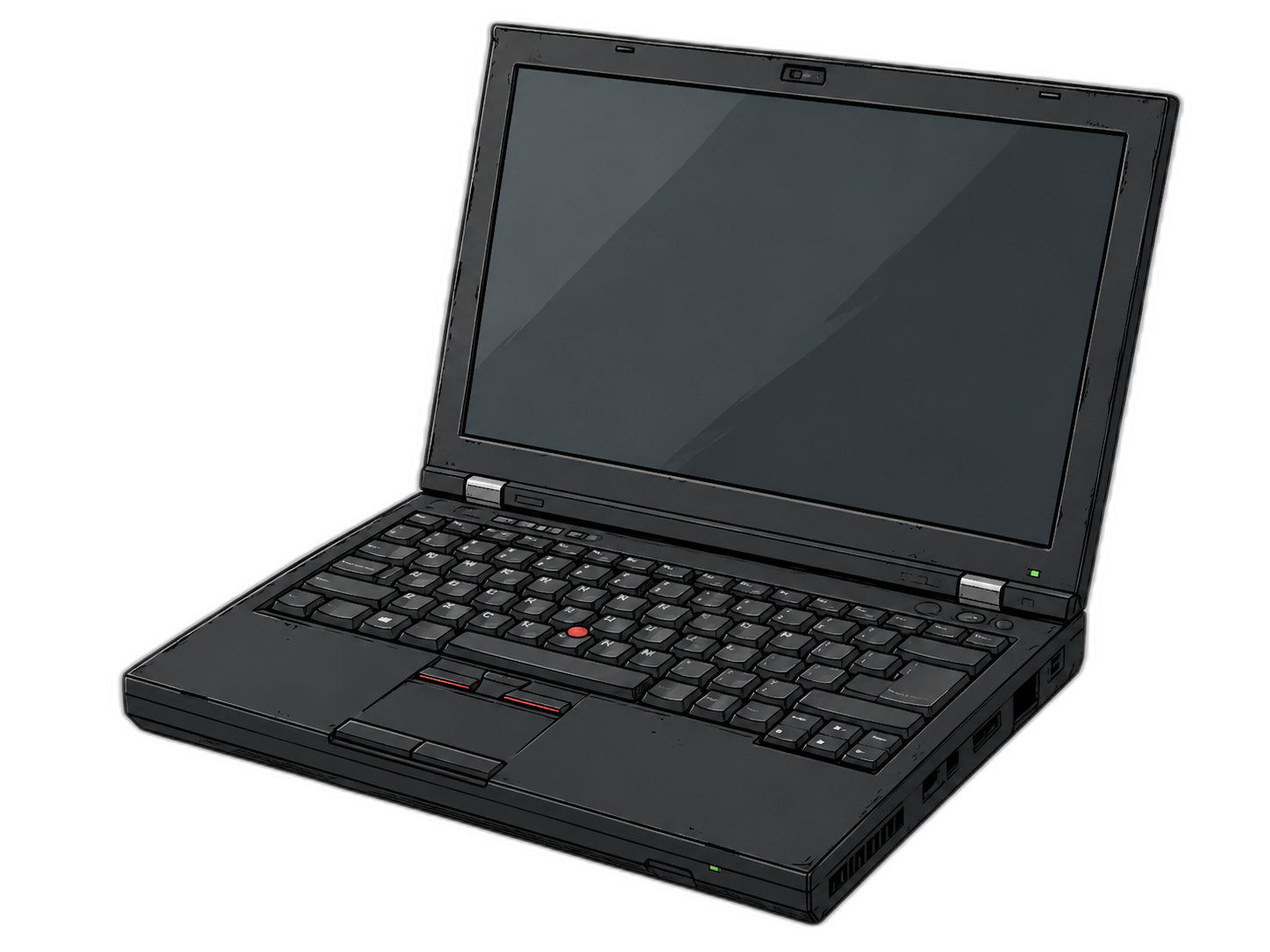
Simplest
On your PC
The most immediate way to try it. Start and stop the team with one click from the desktop app, and every piece of data stays on your computer — no cloud, unless you want it.
Only requirement: Docker.
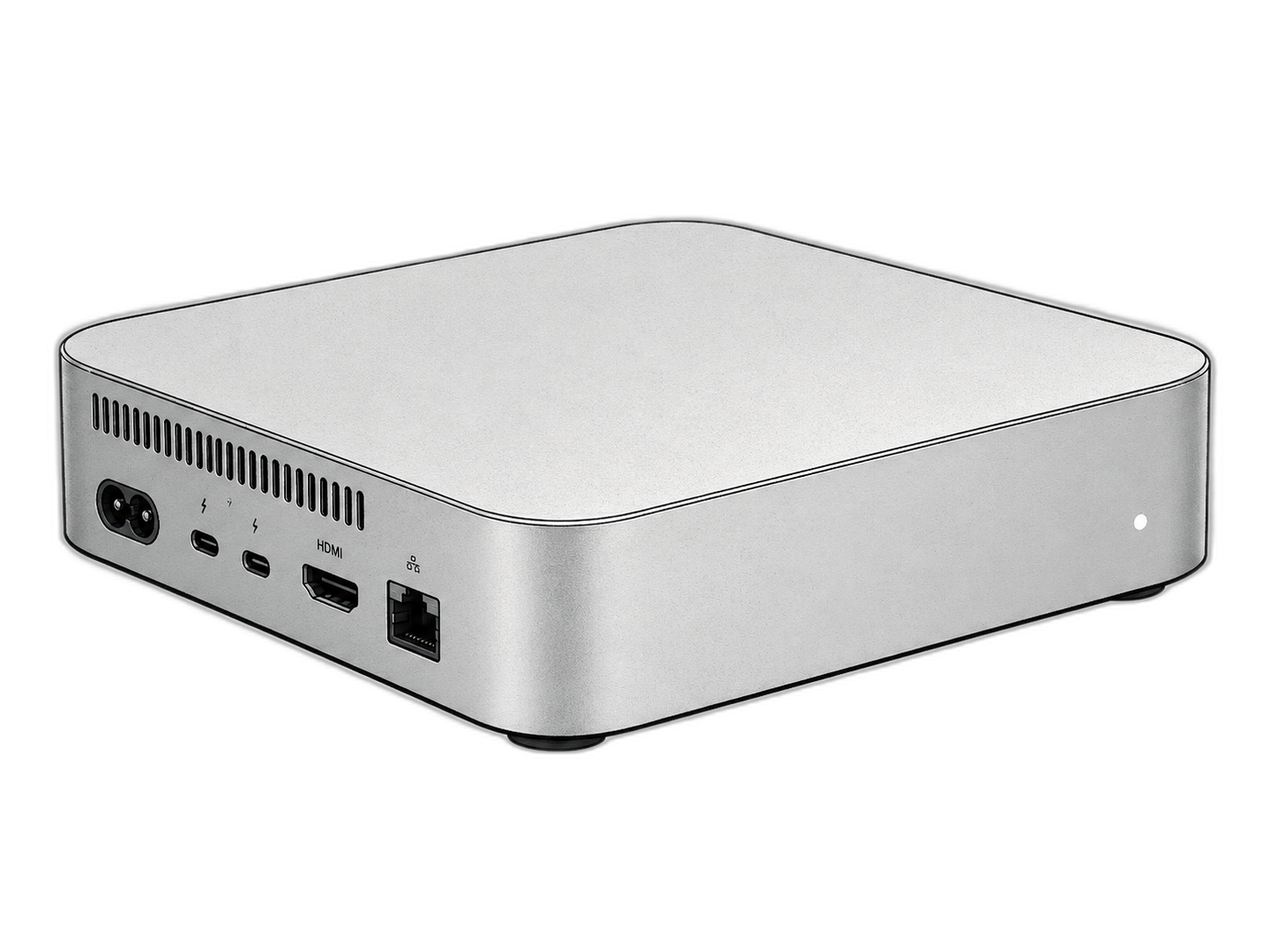
Recommended
On a dedicated PC
An always-on computer — even a small mini-PC — devoted to the team alone. Your laptop stays free and the team works day and night without interruption.
Docker, and a stable network.
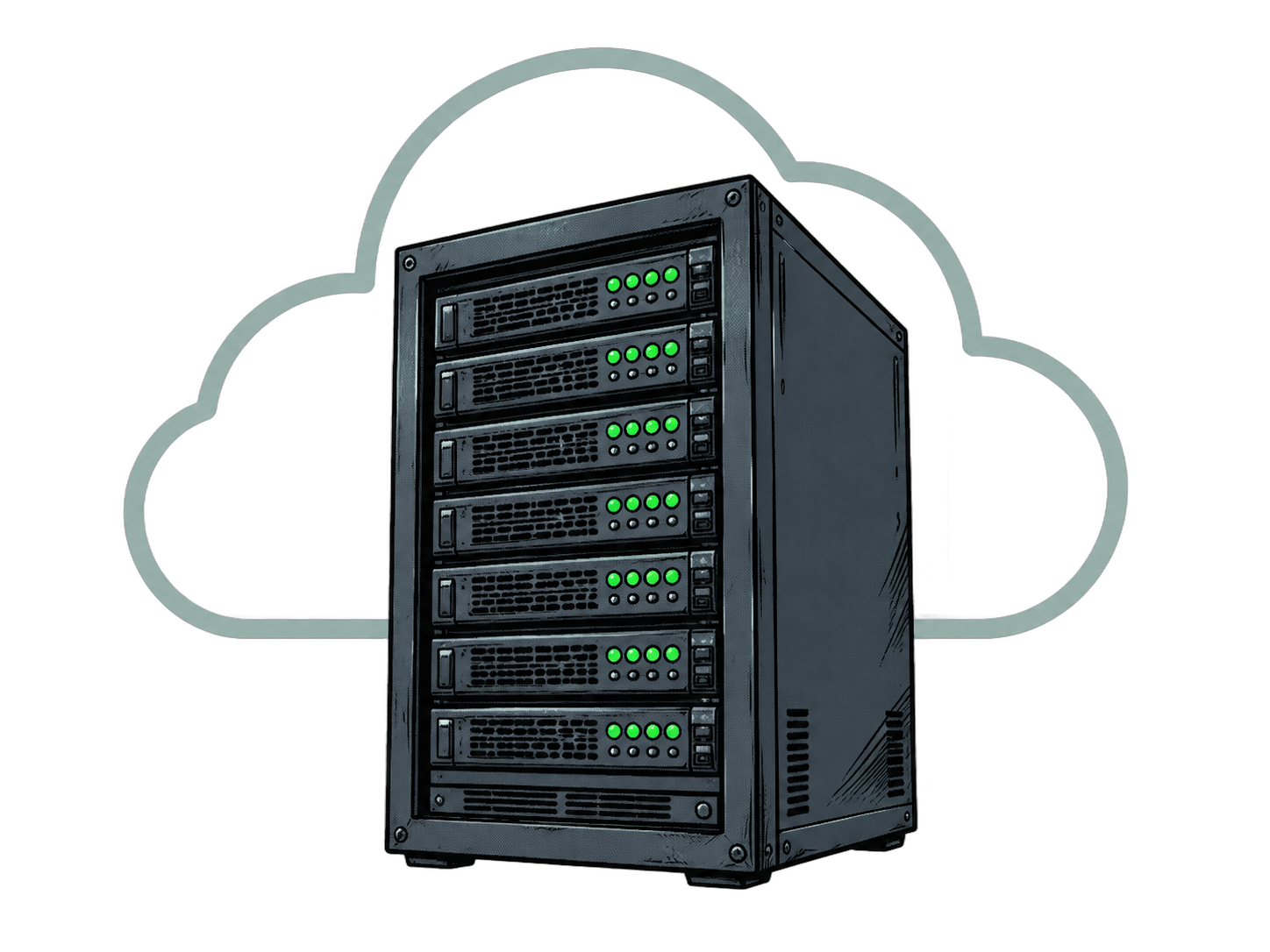
Recommended
On a VPS
A small cloud server, always on, for about €6–10 a month. No need to buy a new computer, no risk of sudden shutdowns, and it's the cheapest way to keep it running 24/7. You connect and control it from the desktop app.
A 4 GB-RAM VPS (e.g. ~€6–10/month).
How you control it
You're not tied to one tool: desktop app, terminal, or both together — same runtime, same features.
Desktop app
The graphical remote control: it installs Docker, starts and stops the team, shows its status in real time, and connects to a VPS too.
Terminal (CLI / TUI)
The same things from the command line, to switch with the desktop app whenever you like.
And it's not either/or: while you use the desktop interface, you can also talk to your personal AI assistant — like Claude Code or OpenClaw — which manages the team for you from the terminal.
Minimum requirements
DockerRequired — the only real dependency
RAM4 GB minimum · 8 GB recommended
CPU2 cores minimum · 4 recommended
Disk~35 GB free
VPS4 GB RAM · 2 vCPU (for cloud mode)
Supported systems
macOS (Intel and Apple Silicon), Windows 10/11 and Linux. Three ways to install: the desktop app with a graphical interface (DMG, EXE, AppImage), a single terminal command, or letting your AI assistant do it.
macOSWindowsLinux